most people still think running a faceless youtube channel means spending 40 hours a week writing scripts, recording voiceovers, finding b-roll, editing videos, and managing uploads.
they're operating with a 2022 mental model in a 2026 world.
the entire production pipeline can now be automated with 6 tools that talk to each other inside claude. research, scripting, voiceover, visuals, editing, and publishing. all connected. all autonomous. all running while you sleep.
here's the exact tech stack.
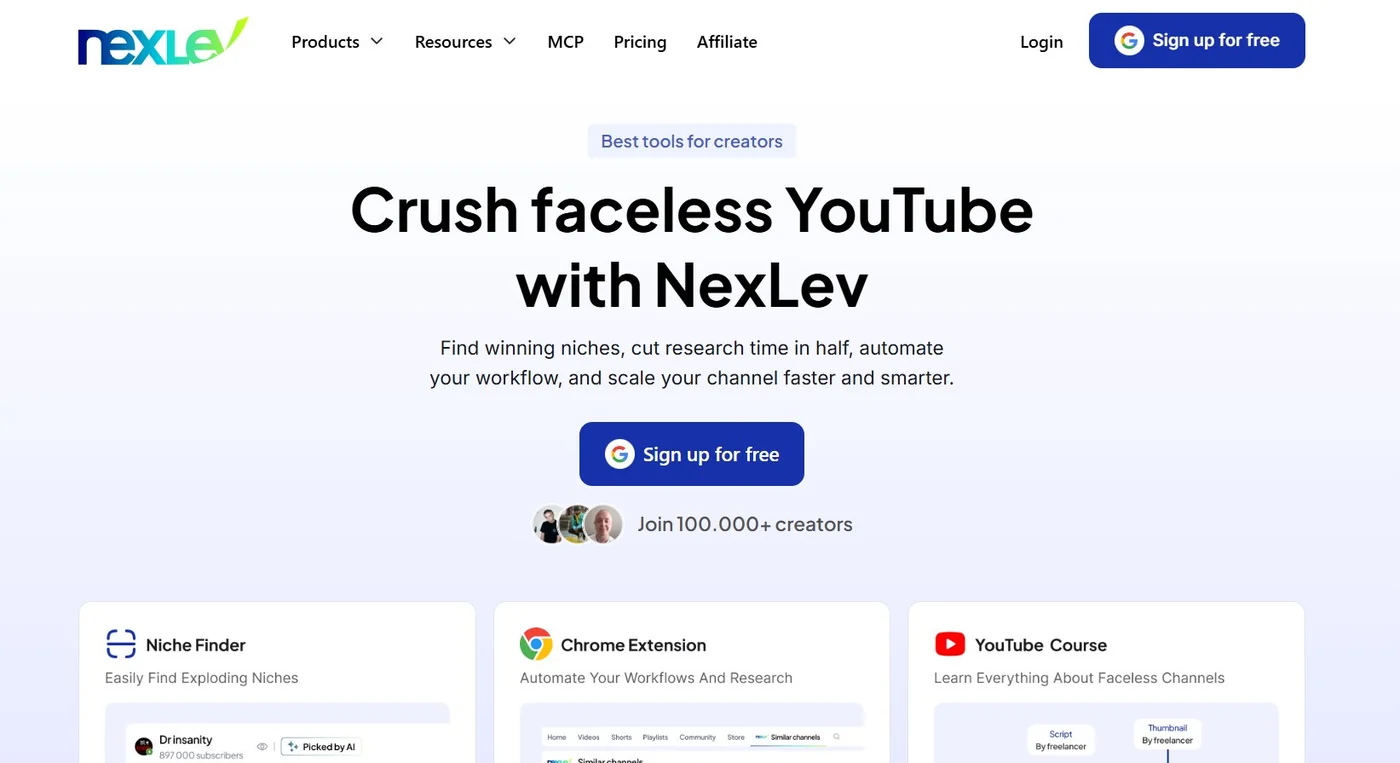
Tool 1: NexLev MCP (Research + Niche Validation)
what it does: NexLev is a youtube analytics tool that connects directly to claude via MCP. instead of manually browsing youtube for hours, you tell claude to deploy NexLev and it scrapes the platform for you.
what to use it for:
- finding faceless channels under 50k subscribers pulling disproportionate views relative to their size
- checking estimated RPMs per niche before you commit to building a channel
- pulling audience retention curves from competitor videos to see exactly where viewers drop off
- identifying which video topics are outperforming in any given niche right now
the workflow: connect NexLev MCP to claude. prompt claude to find outlier channels in your target niche. it returns a list of channels, their estimated RPM, their best-performing topics, and their retention data. you never open youtube.
why it matters for automation: most faceless creators waste weeks building channels in niches with $3 RPM. NexLev tells you the RPM before you start. it also surfaces the specific topics that are already working so you're building on proven demand instead of guessing.
Tool 2: Claude Opus 4.8 (Scriptwriting + Strategy)
what it does: claude is the central operating system for the entire workflow. it's not just the scriptwriting tool. it's the creative director, the data analyst, the packaging strategist, and the publishing scheduler.
what to use it for:
- generating high-retention scripts from NexLev's topic data
- reverse-engineering winning videos by analyzing their transcripts and structure
- writing titles and thumbnail concepts before the script is written (packaging first)
- managing the entire production workflow through connected MCPs
the workflow: NexLev feeds claude a validated topic with retention data. claude writes a script engineered around the specific drop-off points in competitor videos. it then generates 10 title variations and 5 thumbnail concepts. it formats the script with emotional tags and pacing breaks for the voiceover tool. the entire process happens in one conversation.
the critical distinction: claude is the tool. the frameworks are what determine whether the output is high-retention or generic AI slop. the first 50 formula, curiosity gap chaining, context-action ratio, strategic foreshadowing. these need to be built into how you prompt claude. without them, the output is indistinguishable from the content farm scripts youtube is currently purging.
those frameworks come pre-packaged in FacelessOS, 22 skill files built from 10,000+ scripts across 100+ niches.
Tool 3: ElevenLabs (Voiceover Synthesis)
what it does: ElevenLabs generates AI voiceovers that are effectively indistinguishable from human narrators. it connects to claude via MCP, meaning claude can trigger voiceover generation directly without you copy-pasting scripts.
what to use it for:
- cloning a specific voice profile and maintaining it consistently across all videos
- generating dynamic voiceovers with varied pacing based on emotional arc
- producing broadcast-quality audio in minutes without a microphone or recording setup
the workflow: claude formats the script with emotional tags (tense, revelatory, reflective, expository) and pacing breaks, then triggers ElevenLabs via MCP. ElevenLabs uses those tags to modulate the delivery. faster for tension-building sections. slower for revelations. natural breathing patterns throughout. the audio file returns directly into the claude conversation.
the SynthID note: elevenlabs now watermarks every voice they generate. youtube can detect this. this is not a reason to panic. it's a reason to make sure your scripts don't match content farm patterns, because that's what youtube actually acts on. the voice is labeled. the script is the only variable you can still control. more on this in article 2.
cost: roughly $100/month at high production volume. unnecessary at lower volumes. basic plans handle 2-3 videos per week with ease.
Get the free hook guide
5 faceless hook patterns that retain 60%+ of viewers. Plus the scriptwriting newsletter, a few emails a week when something is worth sending.
You get the guide and my newsletter, with the occasional FacelessOS offer. Join 1,000+ creators on the list. Unsubscribe any time. Privacy.
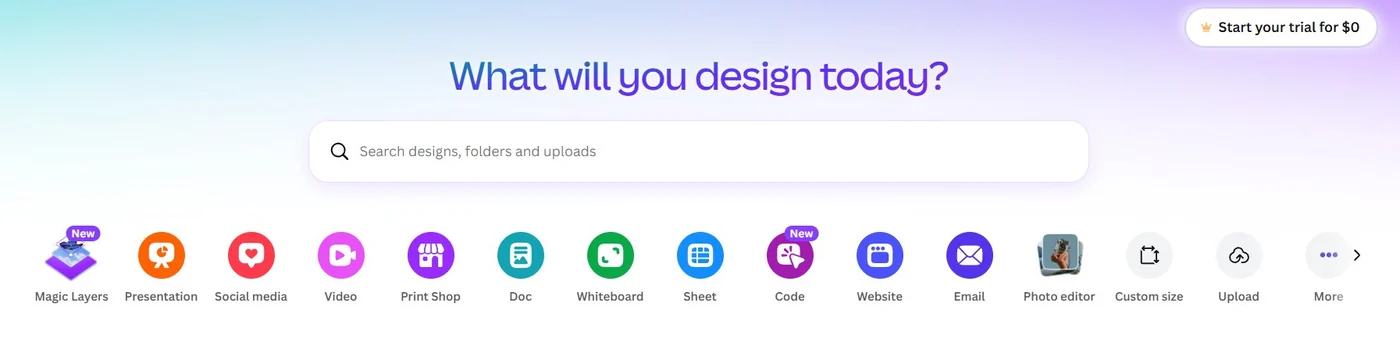
Tool 4: Canva MCP (Thumbnail Design)
what it does: canva connects directly to claude via MCP. you can design, fill, and export thumbnails without ever opening a design tool.
what to use it for:
- maintaining a brand template with locked fonts, colors, and layout
- auto-filling thumbnail concepts with the title text and visual elements claude generated in the packaging phase
- exporting high-resolution PNGs directly back into the claude conversation
the workflow: you build a master thumbnail template in canva once. from that point forward, claude uses the canva MCP to call the autofill design from brand template action, injects the title and visual elements, and triggers the export. the PNG appears in your claude chat. ready for upload. you never touch canva.
why thumbnail-first matters: the thumbnail and title are the promise. the script is the delivery. if you design thumbnails after writing the script, you often end up with packaging that doesn't match the strongest hook angle. claude generates thumbnail concepts before writing the script so the entire video is built to deliver on a specific visual promise.
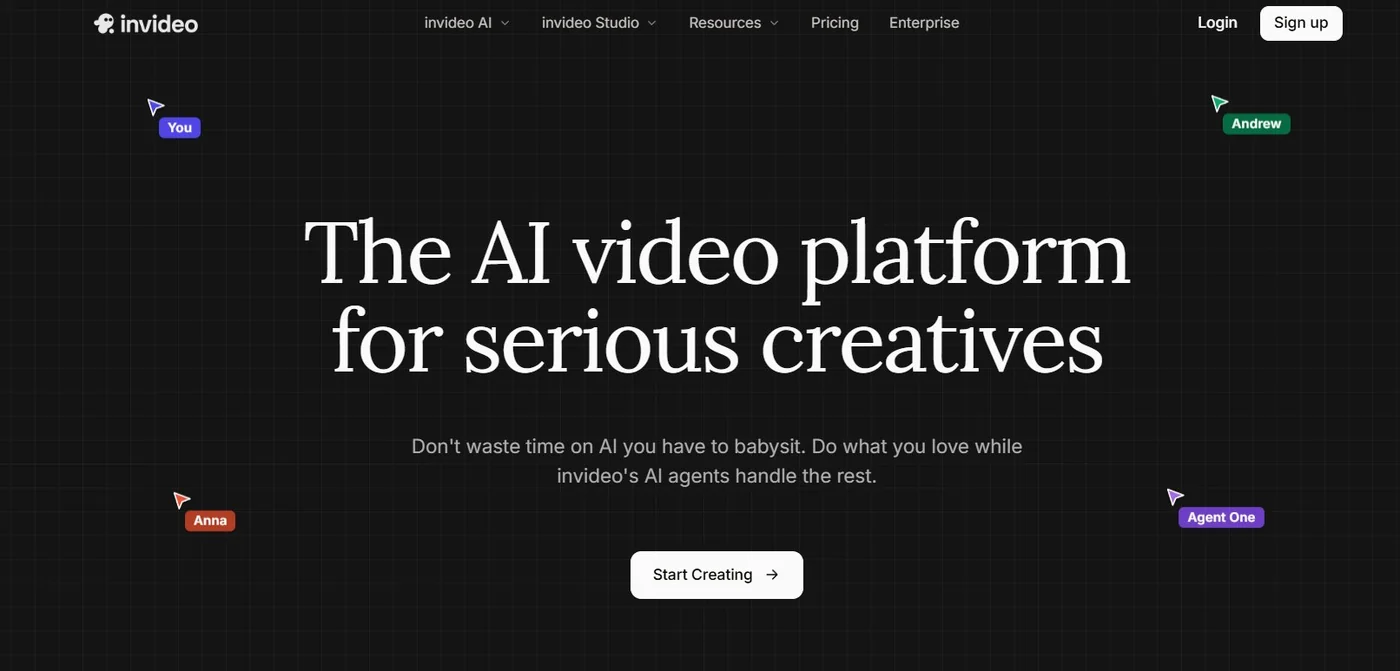
Tool 5: InVideo AI (Video Editing + Rendering)
what it does: InVideo connects to claude via MCP and handles the entire video production process. it takes the script, the elevenlabs audio, and visual direction from claude and renders a finished video.
what to use it for:
- selecting the right video models (Veo, Sora, Seedance) for each specific scene automatically
- applying b-roll, syncing visual pacing to the audio track, and rendering the final MP4
- making scene-level adjustments from claude ("swap the background in scene 3 to a neon cityscape")
the workflow: claude feeds the finished script and elevenlabs audio to InVideo's Agent One via MCP. agent one selects the appropriate visual model per scene. you can give claude high-level creative direction ("make section 4 feel more ominous") and it translates that into specific InVideo instructions. the rendered MP4 returns into the workflow ready for upload.
production economics: what used to take 10 hours in premiere pro now takes 20-30 minutes in InVideo. at $50-100 for human editing versus $20/month for InVideo, the cost savings compound rapidly across multiple channels.
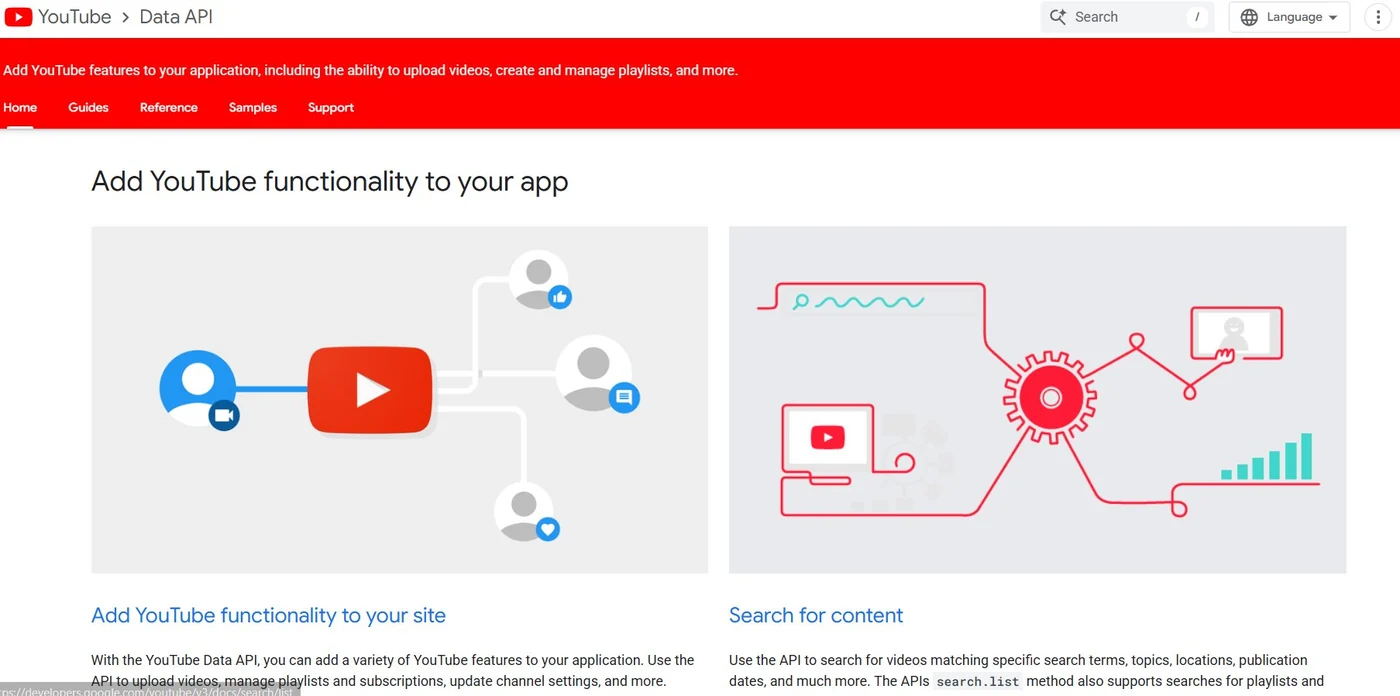
Tool 6: YouTube API (Autonomous Publishing)
what it does: the youtube API allows claude to publish directly to your channel. no opening youtube studio. no manual uploads. no copy-pasting descriptions.
what to use it for:
- scheduling videos for peak viewing hours based on your audience's watch patterns
- auto-generating SEO-optimized descriptions and tags from the script content
- pushing the InVideo MP4 and canva thumbnail directly to youtube in one action
the self-correction loop: 48 hours after publishing, claude can query NexLev again to pull real-time analytics on the new video. if click-through rate is low, claude adjusts its thumbnail generation logic for the next video. if retention drops at a specific point, claude adjusts its scriptwriting approach for that section. the system learns from every video it produces.
The Full Automation Math
here's what this stack looks like at scale.
cost per channel per month:
- claude (opus 4.8): $20-100
- NexLev: $13
- elevenlabs: $22-100
- canva: $15
- invideo: $20-50
- youtube API: free
total production cost: roughly $90-280/month per channel.
output: 3-4 videos per week. 12-16 per month.
revenue at $10 RPM and 100k views/video: $1,000 per video. $12,000-$16,000 per month.
scale to 3 channels: $36,000-$48,000/month from an infrastructure costing under $1,000/month to run.
this is the math behind the channels generating $10k-$100k+/month with faceless youtube. not hustle. not talent. a stack of connected tools with properly written scripts as the engine.
What This Stack Can't Automate
six tools. fully connected. genuinely autonomous production.
but none of it matters if the scripts are generic.
the youtube algorithm now reads your transcripts and classifies content by expertise level. the canva thumbnail and the invideo rendering are flawless. the elevenlabs audio is indistinguishable from human. the NexLev topic data is validated.
and none of it overcomes a script that sounds like every other AI-generated script on the platform.
the script is the only variable that determines whether the algorithm pushes your content or buries it. everything else is packaging around the script's quality.
the tech stack handles the production. faceless os handles the only thing that actually matters.
- haris
keep reading
Get the free hook guide
5 faceless hook patterns that retain 60%+ of viewers. Plus the scriptwriting newsletter, a few emails a week when something is worth sending.
You get the guide and my newsletter, with the occasional FacelessOS offer. Join 1,000+ creators on the list. Unsubscribe any time. Privacy.
The best YouTube scriptwriting system in the world.
Built by a scriptwriter, not a prompt engineer. 22 skill files from 10,000+ scripts across 100+ niches: research, hooks, structure, a humanizer, and an audit that loops until the script passes. It runs inside the AI you already use. $799 once for Files, $1,299 for FacelessOS+. Every future version included. If your first draft isn't better than what you have now, DM @fyreinteractive and we fix your setup.
Get FacelessOS for $799